When your internet drops, the fastest way to get back online is to work out where the problem sits before you spend an hour on hold. In most cases the cause is one of three things: your own equipment, such as the modem, router or gateway; a problem with your provider's service; or an outage affecting your area. A few quick checks at home will usually point you in the right direction and often fix the issue without any call at all.
This guide walks through the simple checks to do first, how to tell whether the cause is local or an area outage, who is responsible for what, and how to report a problem so it gets resolved efficiently. Knowing the basics turns a stressful outage into a manageable few minutes.
Exact steps and responsibilities can vary by provider and connection type, so treat this as general guidance and follow your provider's specific instructions where they differ.
What should you check first?
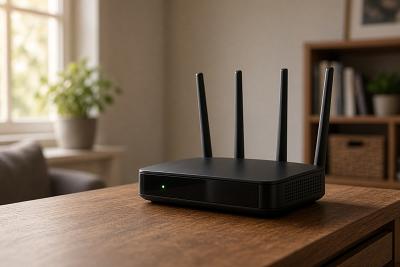
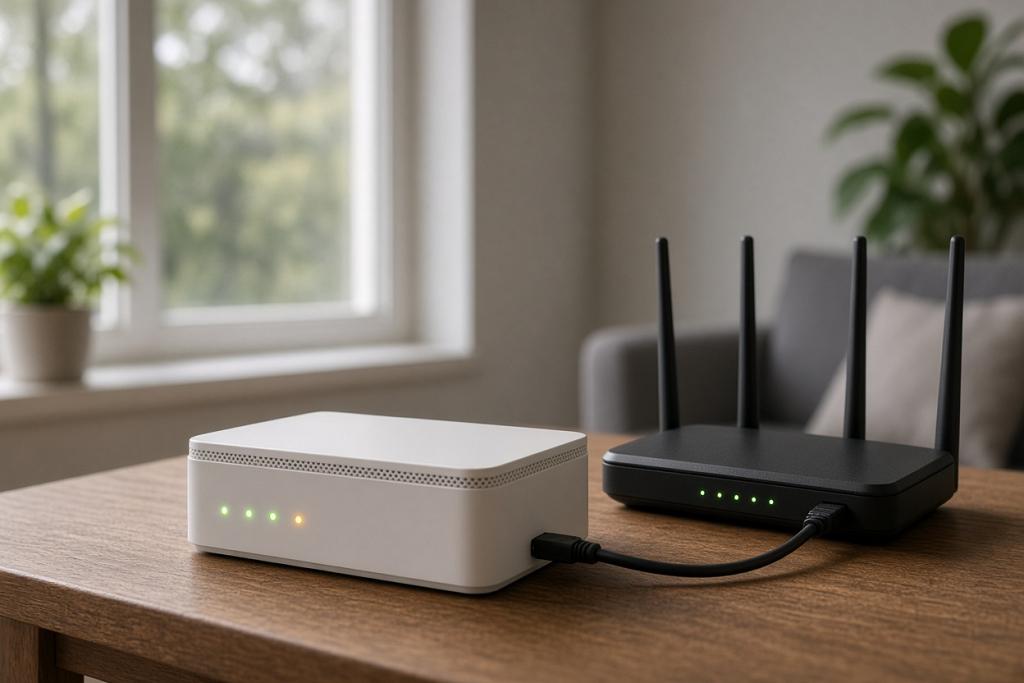
Start with the simplest things, because they resolve a surprising share of problems. Restart your modem, router or gateway by turning it off, waiting a short time, and turning it back on, which clears many temporary glitches. Check the lights on your equipment against what they normally show, and make sure all cables are firmly connected and nothing has been knocked loose. If only one device is affected, the problem is likely that device or its Wi-Fi connection rather than your internet as a whole.
It also helps to confirm whether the issue is Wi-Fi or the connection itself. If a device plugged in by cable works but Wi-Fi does not, the connection is fine and the problem is wireless. If nothing can get online even when wired, the issue is more likely the connection or the network.
How can you tell if it is an area outage?
If your equipment looks normal but nothing connects, the cause may be an outage affecting your area rather than your home. You can often check this using cellular data: your provider may have an outage map or status page, and a quick look can confirm whether others nearby are affected. Neighbors on the same provider experiencing the same drop at the same time is another strong sign of an area outage.
During an area outage there is usually nothing to fix at home; the provider is working on it, and service returns when the issue is resolved. Knowing it is an outage saves you from needlessly resetting equipment or waiting on hold, and lets you switch to a backup connection if you have one.
| Symptom | Likely cause | First action |
|---|---|---|
| Only one device offline | That device or its Wi-Fi | Reconnect or restart the device |
| Wi-Fi fails but wired works | Wireless issue | Restart equipment; check Wi-Fi settings |
| Nothing works, lights abnormal | Equipment or connection problem | Restart equipment; check cables |
| Nothing works, neighbors affected | Area outage | Check outage map; wait or use backup |
The table helps you match what you are seeing to a likely cause and a sensible first step, so you act on the right problem.
Who is responsible for fixing what?
Your internet provider is your point of contact for service problems. You are responsible for your own equipment inside the home, such as your router or gateway and cabling, and for your Wi-Fi setup, while the provider is responsible for delivering service to your home and for issues on their network. If you rent your equipment from the provider, they generally handle problems with it; if you own your equipment, troubleshooting it is on you.
This division is why a few home checks come first: many problems are local and quickly fixed, while genuine service or network issues need the provider. When you do contact them, they can run checks on their end, confirm whether the problem is with your service or their network, and dispatch a technician if needed.
How do you report a problem effectively?
Before you contact your provider, do the basic checks above so you can describe what you have already tried, which speeds up the call. Note when the problem started, whether it is constant or intermittent, what the equipment lights show, and whether wired and wireless are both affected. This information helps your provider diagnose the issue faster and avoid repeating steps you have done.
If a problem is recurring or not resolved, keep a simple record of outages and calls, which is useful if you need to escalate or discuss reliability with your provider. Most issues are sorted out directly, but having the details on hand makes the conversation more productive.
Frequently asked questions
What is the first thing to try when the internet drops?
Restart your modem, router or gateway by switching it off, waiting briefly, and switching it back on. Check the lights and cables too. This resolves many temporary problems without needing to call anyone.
How do I know if it's an area outage rather than my equipment?
If your equipment looks normal but nothing connects, check your provider's outage map or status page using cellular data, and see whether neighbors are affected. Multiple homes down at once points to an area outage.
Who is responsible for my equipment?
If you rent equipment from your provider, they generally handle problems with it. If you own it, troubleshooting it is on you. The provider is always responsible for delivering service and for issues on their network.
What details should I have ready when I call?
When the problem started, whether it is constant or intermittent, what the lights show, and whether wired and wireless are both affected. Describing what you have already tried speeds up the call.
Bringing it together
When your internet goes down, check the simple things first: restart your equipment, inspect lights and cables, and work out whether it is one device, Wi-Fi, or the whole connection. If your gear looks fine and neighbors are affected, it is likely an area outage. Your provider handles service and network issues, while your own equipment and Wi-Fi are on you, so do the home checks first, then report a genuine problem with clear details ready.