Understanding where your household's internet data goes makes it far easier to avoid bill surprises and to choose a plan that fits, which matters most if your plan has a data cap. The biggest data users in most homes are video streaming, especially in high definition or 4K, online game downloads and updates, video calls, and cloud backups. Browsing, email and music use comparatively little. Once you know what drives your usage, you can monitor it, trim it where needed, and decide whether a capped or unlimited plan makes sense.
This guide explains what consumes the most data, how to check your usage, practical ways to reduce it without giving up what you enjoy, and how to weigh data caps when choosing a plan. The aim is to put you in control rather than guessing.
Usage patterns and plan terms differ, so treat the examples here as general guidance and look at your own usage and plan to see what applies to you.
What uses the most data in a home?
Video is by far the largest consumer for most households. Streaming a show or movie uses a moderate amount in standard definition and considerably more in high definition or 4K, and several screens running at once multiply that quickly. Online gaming itself uses modest data during play, but game downloads and updates can be very large one-time hits. Video calls use a steady amount of upload and download, and automatic cloud backups can quietly move large volumes in the background.
By contrast, browsing, social media, email and music streaming are light users. Knowing this helps you focus on the activities that actually matter: if your usage is high, it is almost certainly video and large downloads rather than everyday browsing driving it.
How do you check your data usage?
Most providers offer a way to see your usage through an online account or app, showing how much you have used in the current billing period and often a history over time. This is the simplest overview and the one tied directly to any data cap you have. Checking it periodically, especially if you are on a capped plan, prevents unexpected slowdowns or overage charges near the end of a cycle.
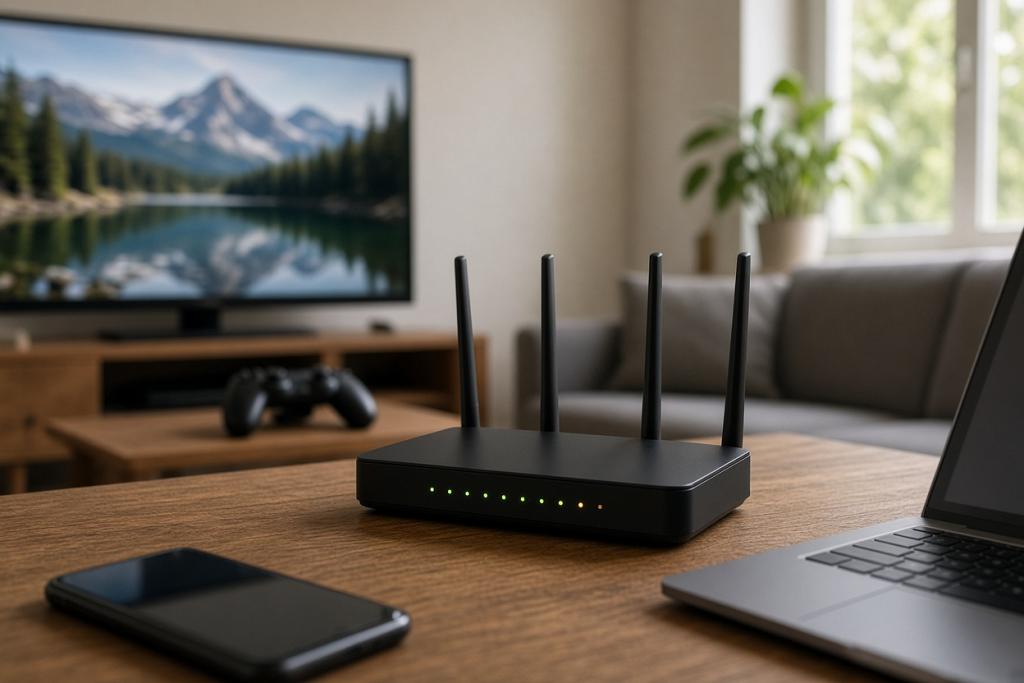
For a more detailed picture of which devices or activities use the most, some modern routers and home network apps break usage down by device. That can reveal a surprise, such as a device backing up large amounts or streaming more than expected, and helps you target any reductions where they will have the most effect.
| Activity | Relative data use |
|---|---|
| Browsing, email, music | Low |
| Standard-definition streaming | Moderate |
| High-definition and 4K streaming | High, especially on multiple screens |
| Game downloads and updates | High in large one-time bursts |
| Cloud backups | Can be high, often in the background |
The table ranks common activities so you can see at a glance where your data is likely going and where any savings would come from.
How can you reduce data use where needed?
If you need to cut usage, start with video, since it offers the biggest savings. Lowering streaming quality from 4K or high definition to a more modest setting reduces data substantially while still looking fine on smaller screens, and turning off automatic high-resolution playback helps. Scheduling large game downloads and backups thoughtfully, and avoiding leaving video streaming on unattended, also trims waste.
Managing background activity matters too. Devices that back up automatically, update apps over the connection, or stream when no one is watching can use data you did not intend. Reviewing these settings, and being aware of which devices are heavy users, lets you reduce usage without giving up the things you actually value.
Should you choose a capped or unlimited plan?
The right choice depends on how much you use and how predictable it is. If your household streams heavily across several screens, games with large downloads, or backs up a lot, an unlimited plan removes the worry of running out and the hassle of monitoring. If your usage is light and steady, a plan with a data cap and a sufficient allowance can be a cheaper fit, provided the allowance comfortably covers your typical month.
Look at a few months of your actual usage before deciding. If you regularly approach or exceed a cap, the stress and any slowdowns or overage charges usually outweigh the saving, and unlimited is worth it. If you sit well within an allowance, paying for unlimited may be paying for headroom you do not need.
Frequently asked questions
What uses the most data at home?
Video streaming, particularly in high definition or 4K and across multiple screens, along with large game downloads and cloud backups. Browsing, email and music use comparatively little.
How do I see how much data I've used?
Check your provider's online account or app, which shows your usage for the current billing period and often a history. Some routers also break usage down by device for a more detailed view.
How can I reduce my data use?
Lower streaming quality, avoid unattended autoplay, and schedule large downloads and backups deliberately. Managing background updates and backups on devices also trims usage without affecting what you value.
Is unlimited data worth it?
If you stream heavily, game with big downloads or back up a lot, unlimited removes the worry of running out and overage charges. If your usage is light and well within a cap, a capped plan can be a cheaper fit.
Bringing it together
Managing your data starts with knowing that video, big downloads and backups drive most usage, while everyday browsing barely registers. Check your usage through your provider's tools, and use device-level breakdowns to find surprises. If you need to cut back, target video quality and background activity first. Then match your plan to your real pattern: unlimited for heavy, unpredictable use, a sufficient cap for light and steady households.