Getting connected in a newly built home is a little different from moving into an existing house. New-construction homes are increasingly built to be served by fiber or cable, but the property still needs to be physically connected to a provider's network and have the right equipment installed before you can get online. After that, you choose a provider and plan as usual. The wrinkle is that in a new home or new development, the network may still be getting established, so timing matters.
This guide explains how new-construction homes are connected, who is involved, why timing can be tricky, and the steps to take to be online as soon as possible. Starting early is the recurring theme, because connection in a brand-new area is the part most outside your control.
Processes and equipment vary by builder, provider and location, so use this as a general guide and confirm the specifics for your address with your provider and, where relevant, your builder.
How are new-construction homes connected?
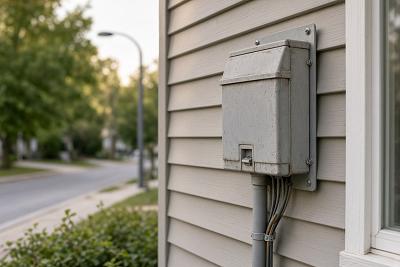
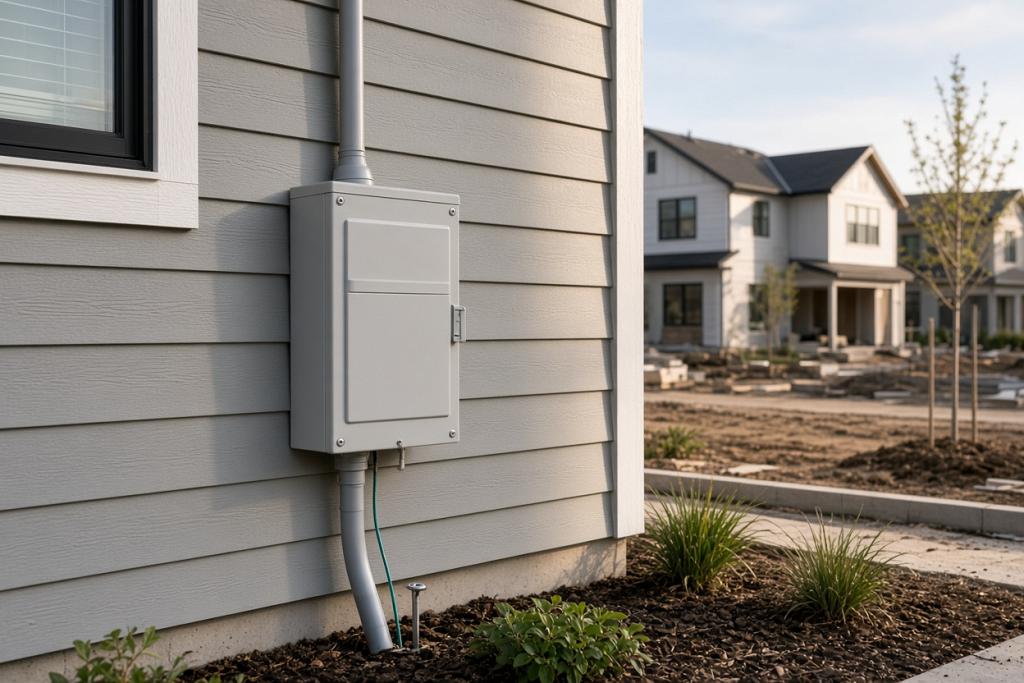
New homes are often built with provisions for internet service, such as conduit and wiring to support fiber or cable, and in many developments a provider has agreements to serve the community. During construction, the builder or developer typically arranges for the home to be ready for connection, including the point where the network enters the home. Once that groundwork exists, the equipment that activates your service can be installed.
Because the heavy infrastructure is part of building the home and the development, your job as the occupant is mainly to confirm the property can be connected, arrange installation, and choose a provider. Where the development is brand new, some of that network infrastructure may still be in progress, which is the main reason timing can be uncertain.
What equipment will be installed?
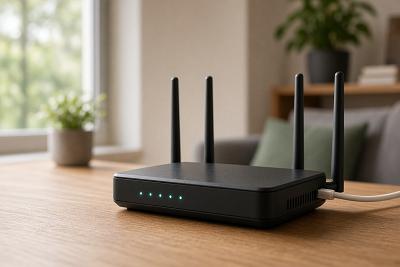
The equipment depends on the connection type. A fiber connection generally involves a connection box installed inside the home where the fiber terminates, into which your router or gateway plugs. A cable connection uses a modem or gateway connected to the coaxial wiring. In either case, you then have a router or gateway that creates your Wi-Fi and shares the connection. In a new home, this equipment may be installed during a setup appointment.
It is worth identifying where this equipment is or will be located, because it determines where your main Wi-Fi source sits. A connection point tucked in a utility area or garage can mean your router ends up far from where you actually use the internet, which affects coverage and may call for mesh or a wired link to a better-placed router.
Why can timing be tricky in a new development?
In an established neighborhood the network is already built, so connection is usually quick. In a new development, the network rollout and individual home connections may still be underway, and your home might not be ready for service the moment you move in. There can also be a sequence of steps, confirming the address is serviceable, arranging installation, then activating a plan, each of which takes time.
Starting early is the single best thing you can do. Checking serviceability and beginning the process well before your move date gives you the best chance of being online when you arrive, and reveals any delays while you still have time to arrange a temporary option such as a mobile hotspot.
| Step | What it involves | When to do it |
|---|---|---|
| Check serviceability | Confirm the address can be connected and by whom | As early as possible |
| Arrange installation | Book any appointment to set up and activate equipment | Well before moving day |
| Choose a provider and plan | Select a plan that suits your household | Before or around the move |
| Plan a backup | Temporary cellular internet if there is a gap | If connection may be delayed |
The table lays out a sensible order. The recurring theme is to begin sooner than feels necessary, because new-development timing is the part most outside your control.
What steps should you take to get online?
First, confirm your new address can be connected and which providers serve it, since in a new development the options may still be settling. Then choose a provider and plan that match your household, and book any installation appointment. If there is a risk of a gap between moving in and being connected, line up a temporary option such as a mobile hotspot so you are not left offline.
On the day your service activates, set up your router or gateway in a central location if you can, or plan for mesh if the connection point is in an out-of-the-way spot. A little thought about placement at the start saves a lot of coverage frustration later.
Frequently asked questions
Will my new home automatically have internet?
Not automatically. The home may be built ready for service, but you still need to confirm serviceability, arrange installation, and choose a provider and plan before you are online.
How early should I set up my connection?
As early as you can, especially in a new development where the network may still be getting established. Starting well before moving day gives time to handle appointments and any delays.
What if my new development isn't connected yet?
If the network is still being built out, there may be a wait. A temporary mobile hotspot or cellular device can keep you online in the meantime, so plan a backup if a delay is possible.
Where will my equipment be installed?
A connection point is set up inside the home, and your router or gateway connects to it. Find out where it is located, since it affects where your Wi-Fi originates and whether you need mesh for full coverage.
Bringing it together
New-construction homes are increasingly built for fiber or cable, but getting online still takes a few steps: confirming the address is serviceable and which providers serve it, arranging installation, choosing a provider, and activating a plan. The biggest variable is timing in a new development, so start early and have a temporary backup ready if there might be a gap. Think about where your equipment sits, and you will be online and well covered soon after you move in.